Utility - Mobile
Mobile utility views show common field workflows such as login, search, filtering, map navigation, barcode scanning, reading entry, and reading history.
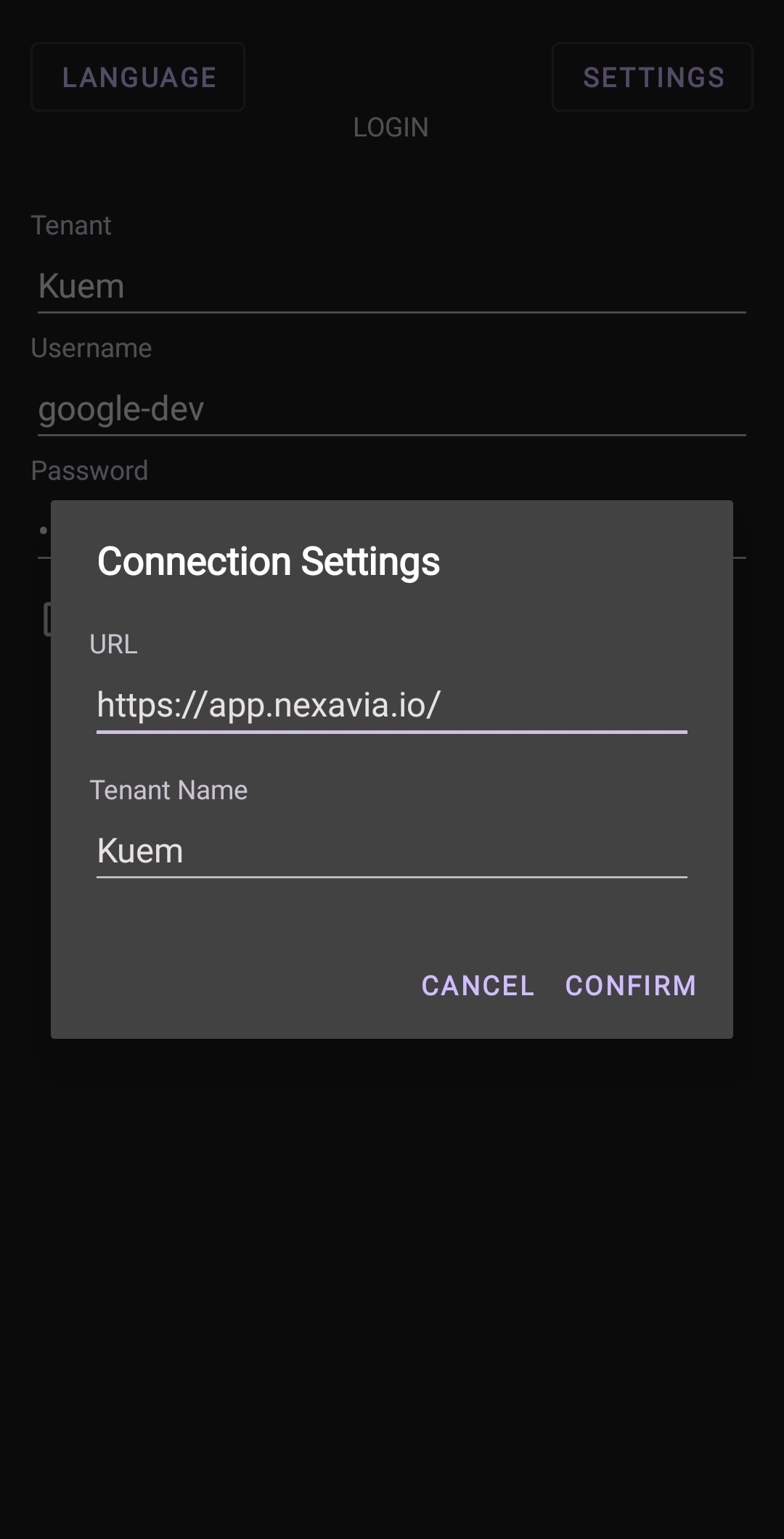
Multi-Tenant Login
Mobile login flow for selecting or accessing the correct tenant environment.
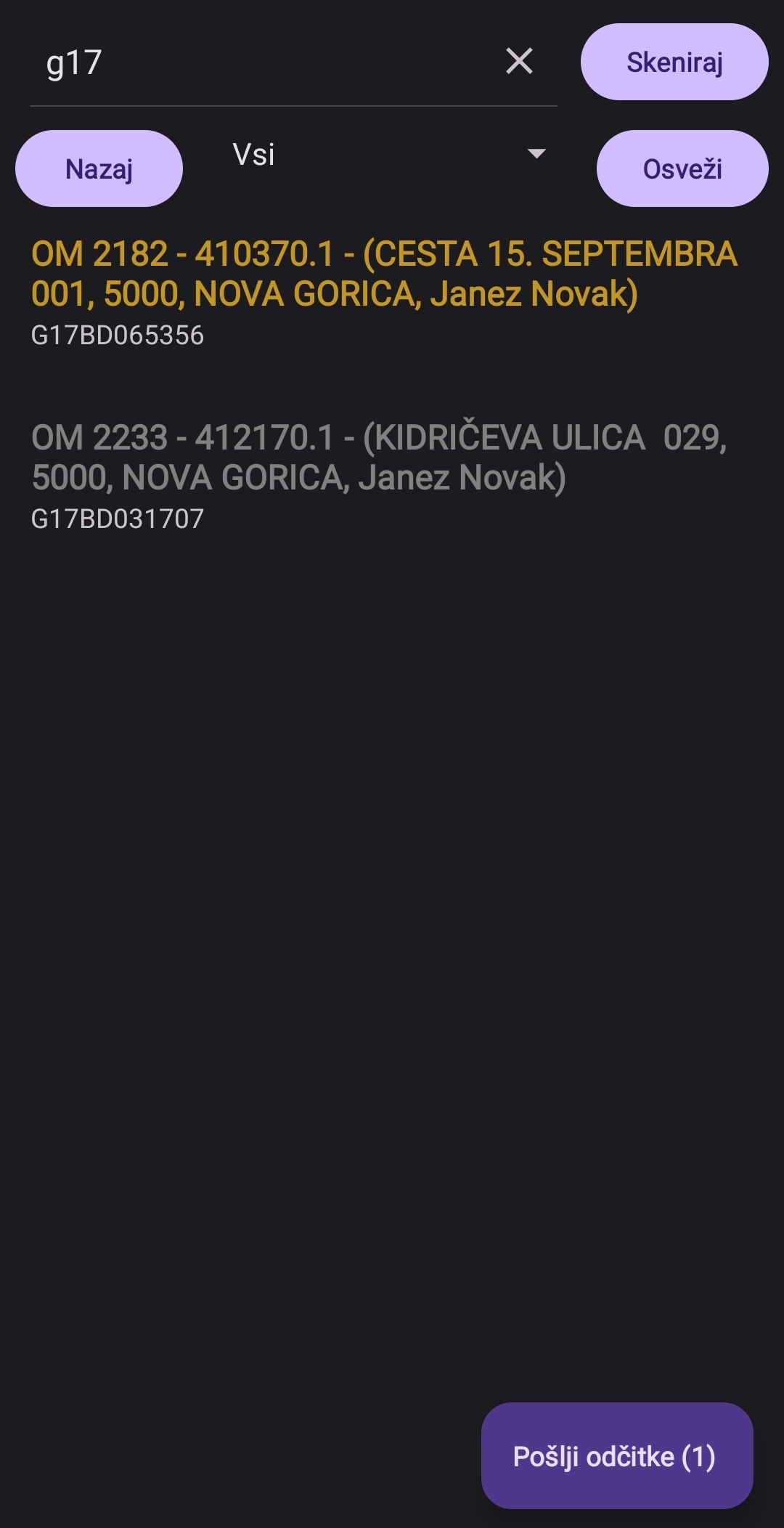
Search by Any Parameter
Search utility for finding records by available device, location, or reading parameters.
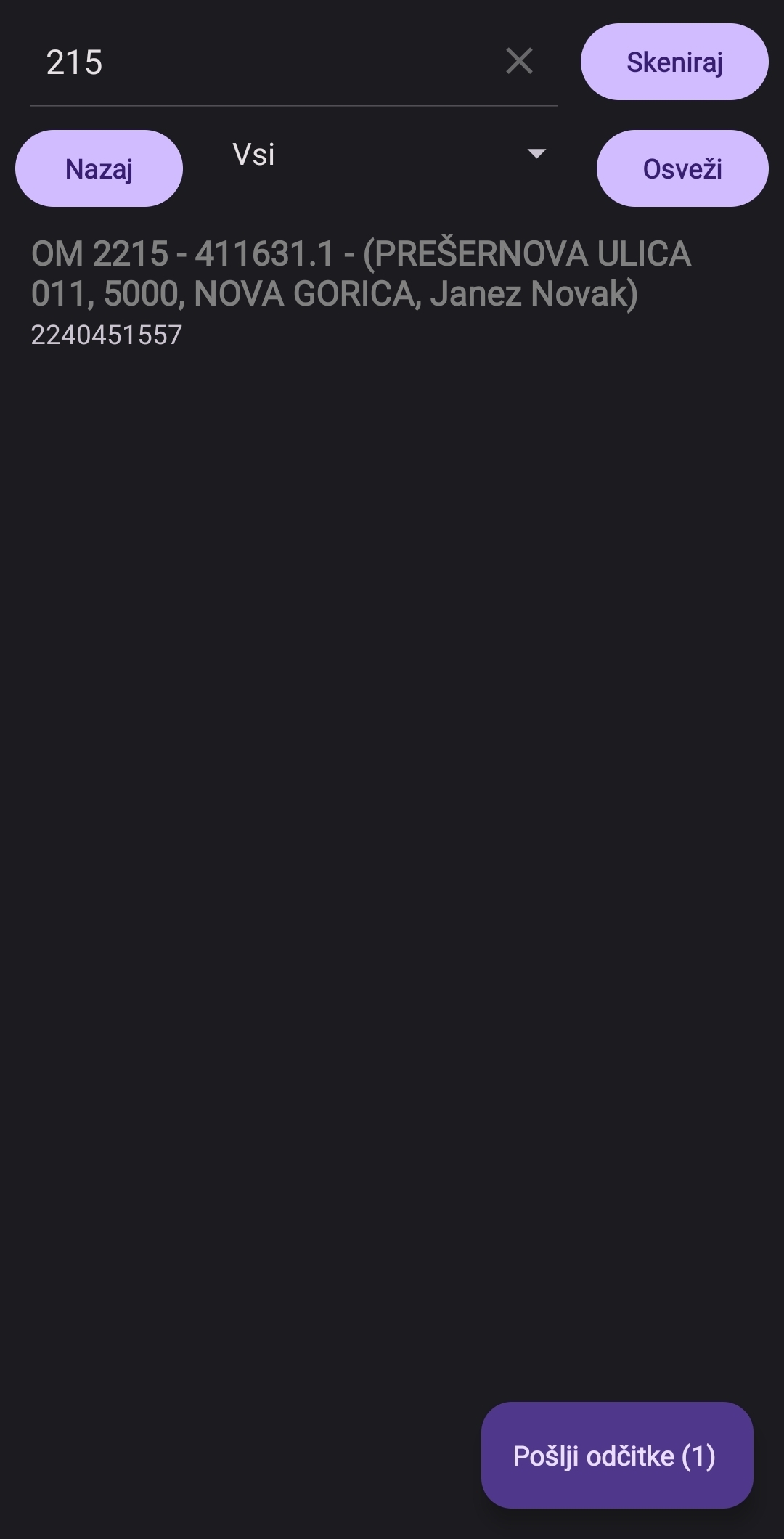
Search by Any Parameter
Alternate mobile search view for quickly narrowing the visible data set.
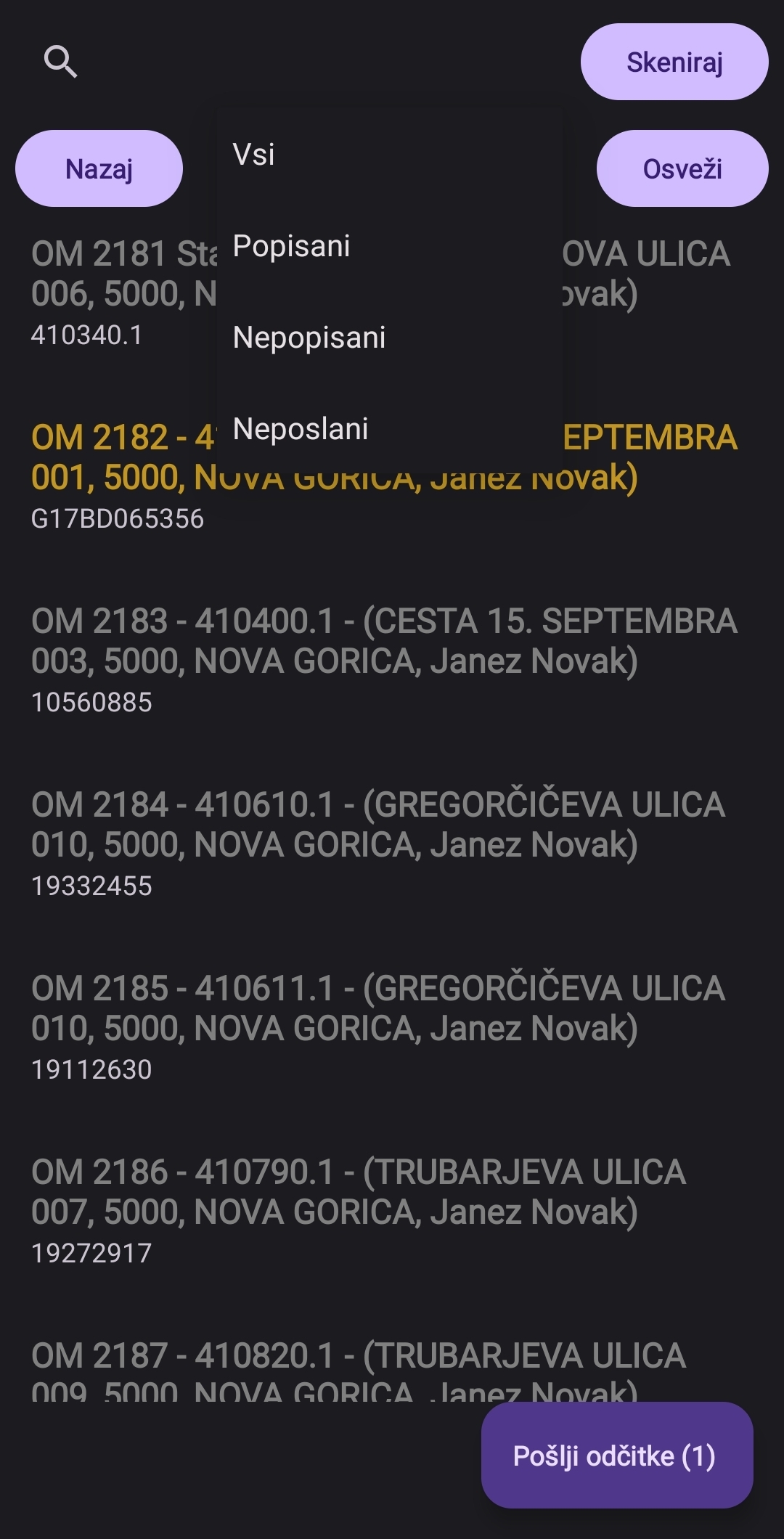
Filter by Status
Status filtering helps users focus on relevant locations, readings, or tasks.
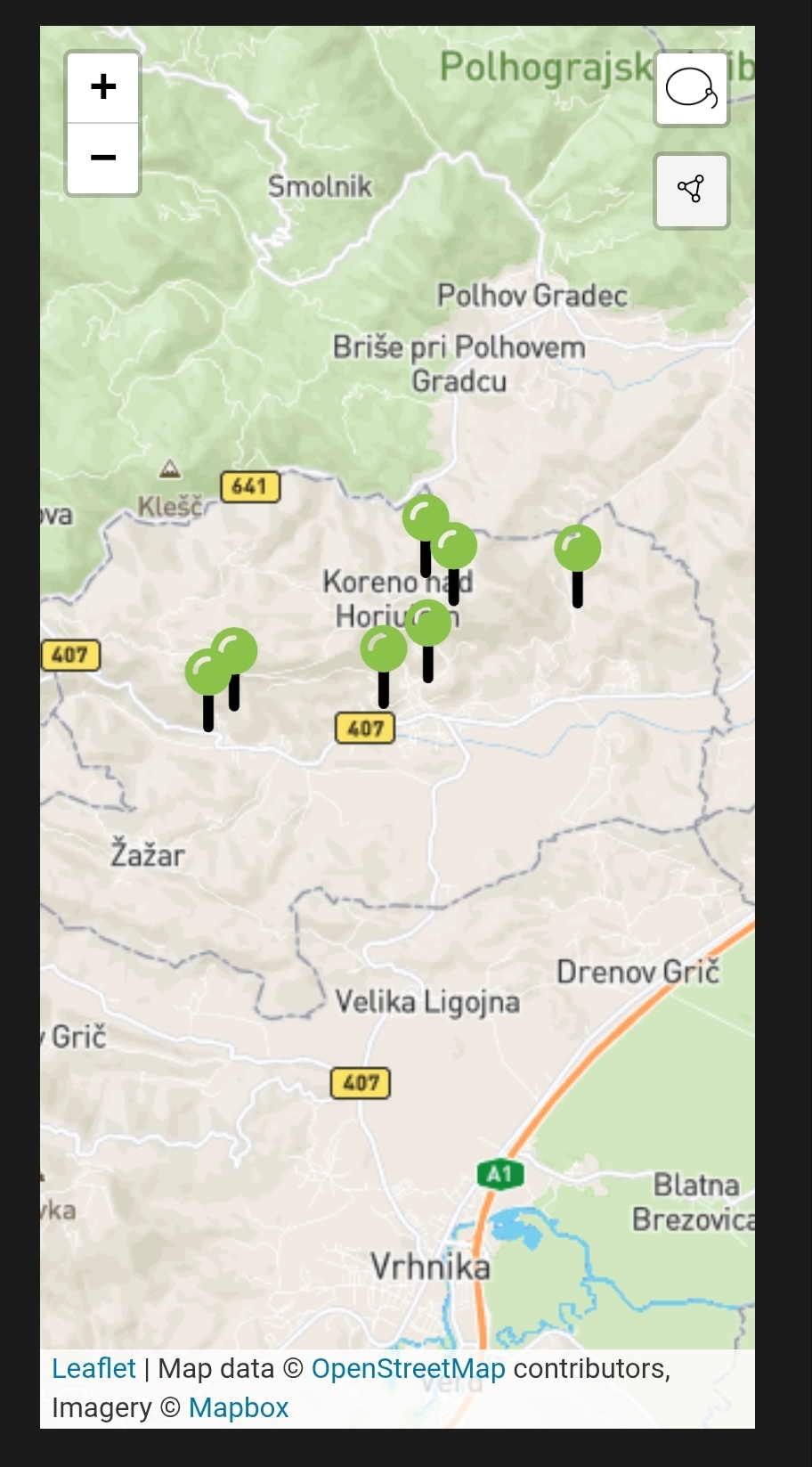
Map View
Map-based mobile view for locating assets and measurement locations in the field.
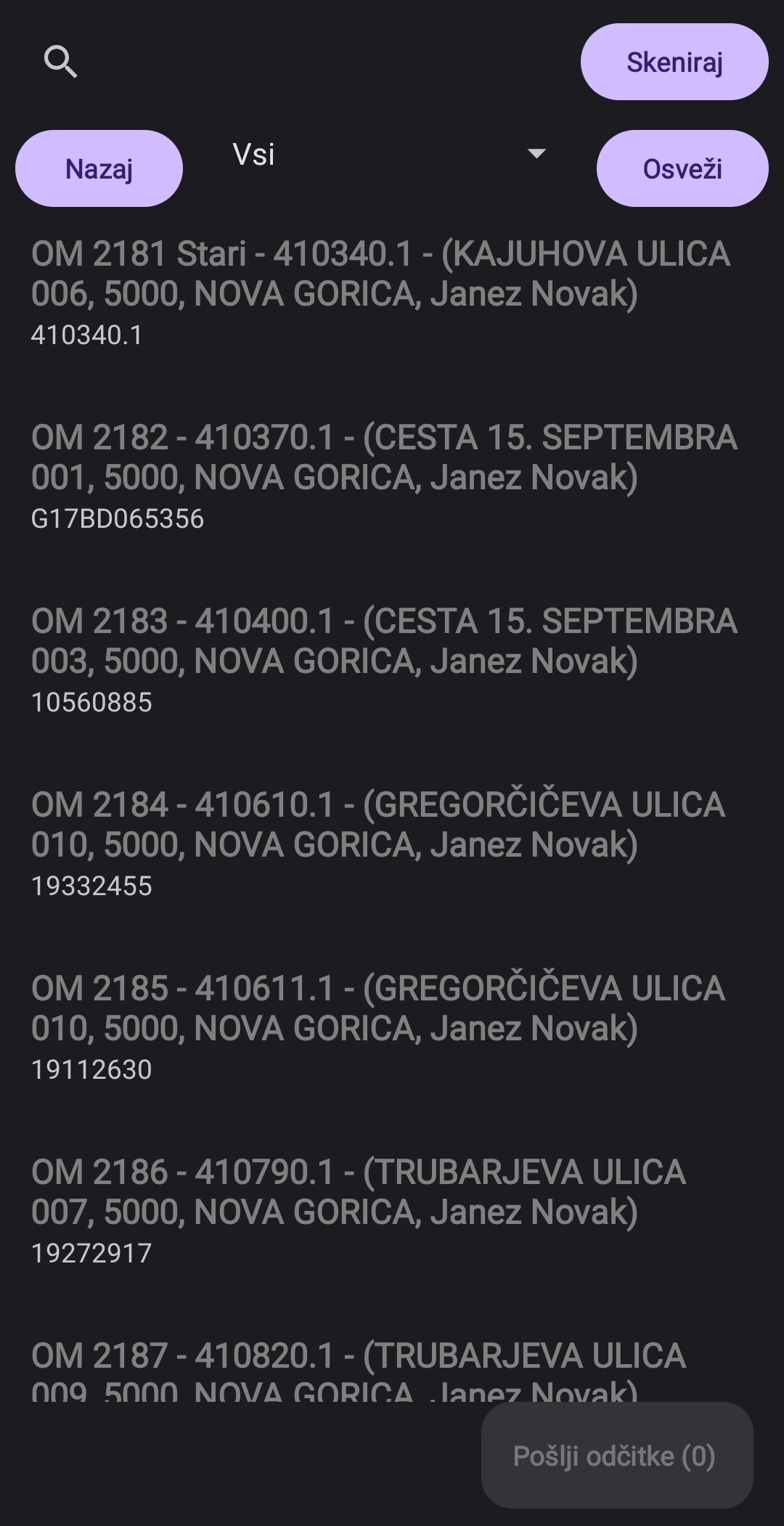
Measurement Location List
List view for browsing available measurement locations and opening their details.
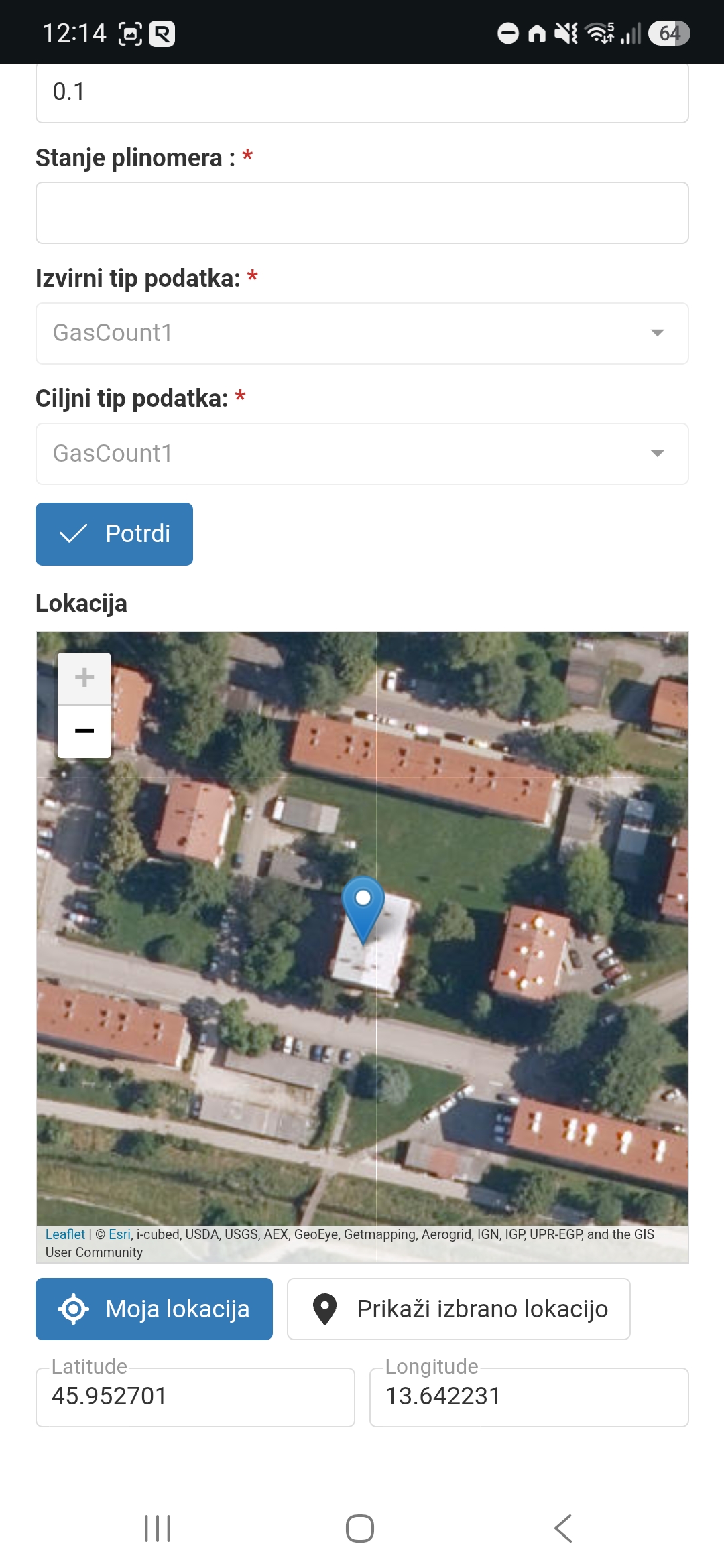
Location Reading
Reading screen for entering or reviewing values at a selected measurement location.
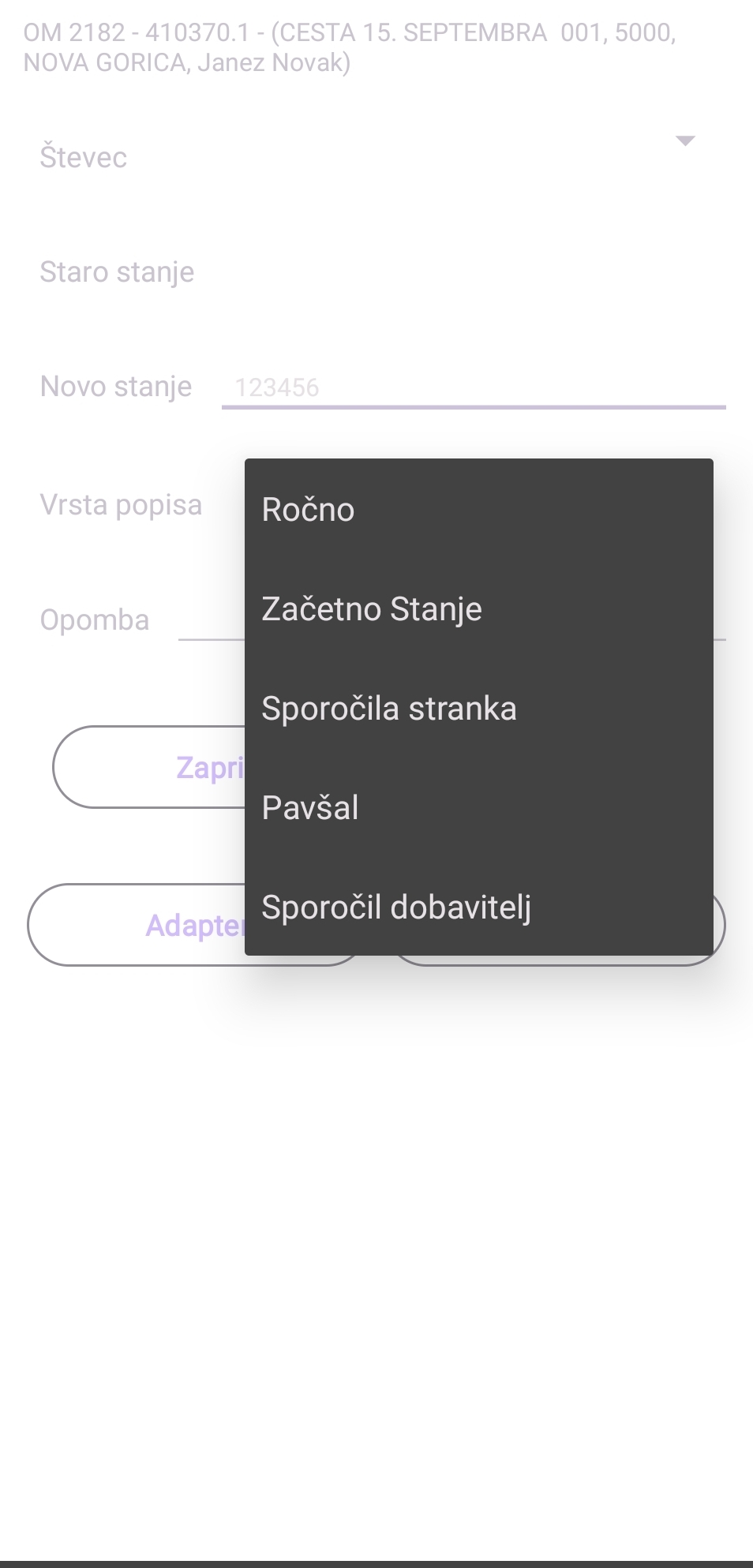
Add Reading Types
Mobile form for adding readings by the available reading type.
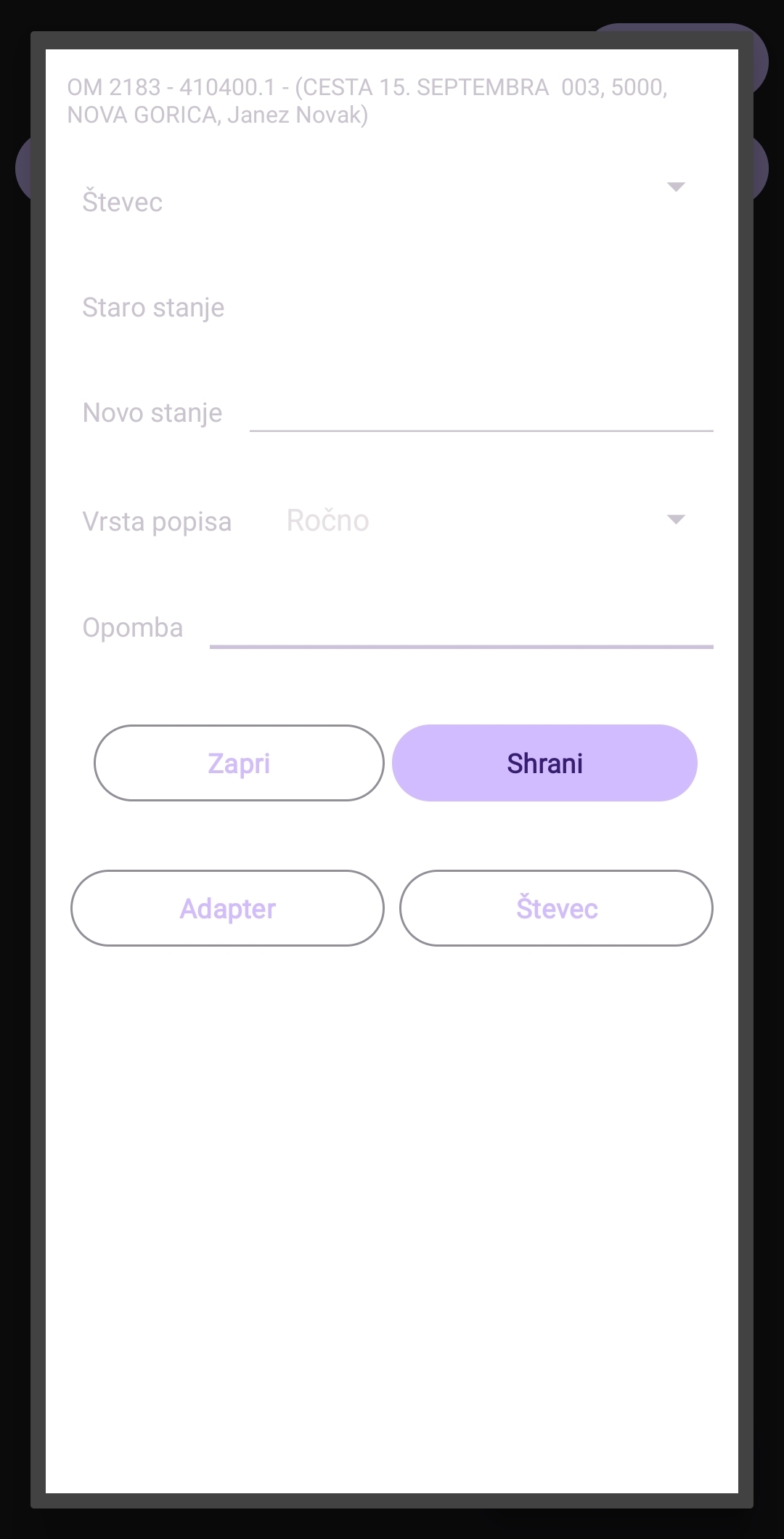
Add Multiple Readings and Notes
Batch entry flow for recording several readings and related notes in one place.
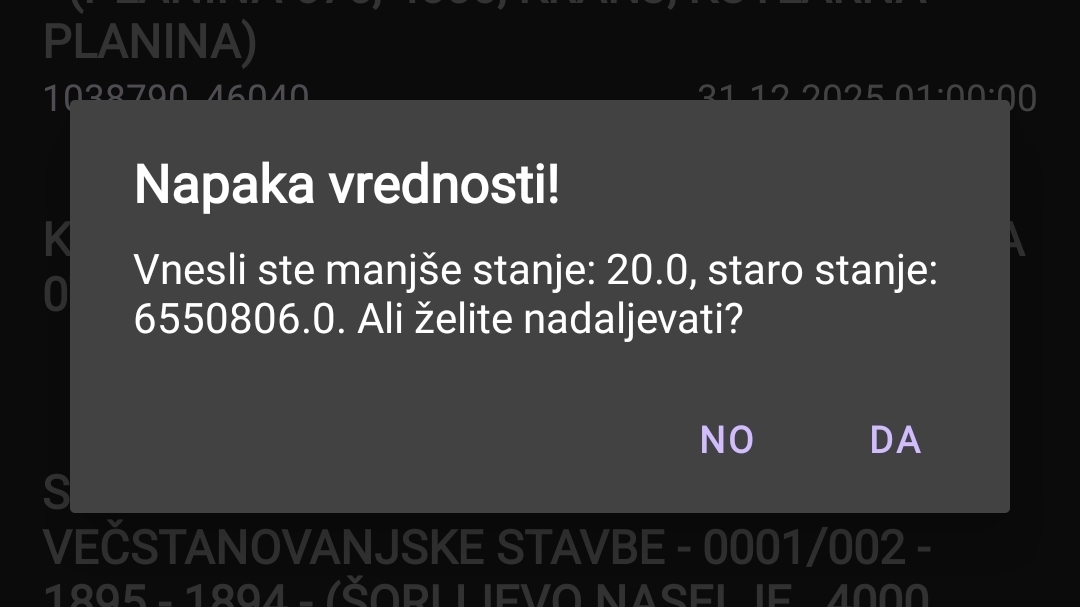
Check Invalid Reading
Validation feedback for readings that need correction before they can be accepted.
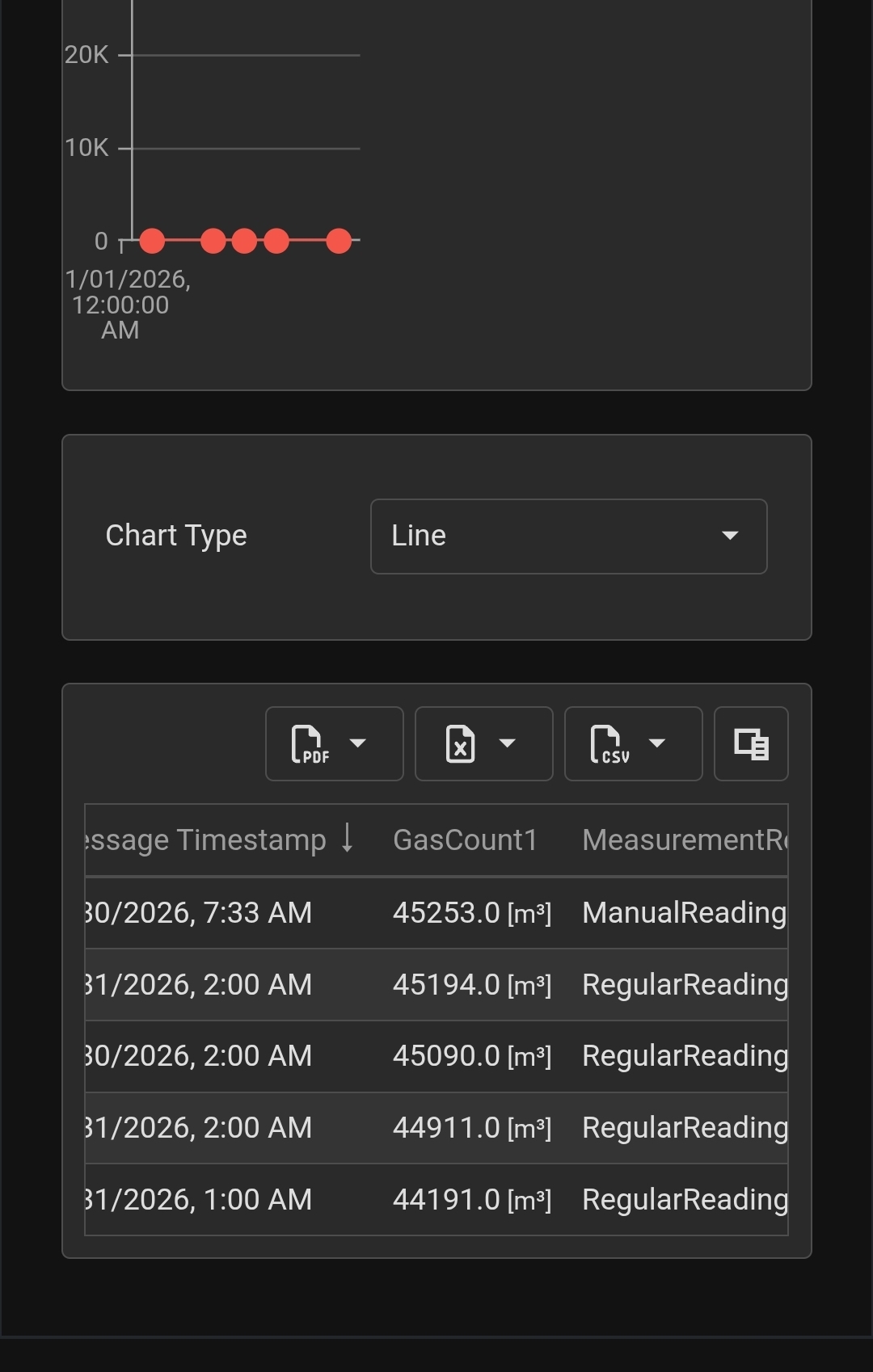
Reading History
History view for reviewing previous readings and changes over time.
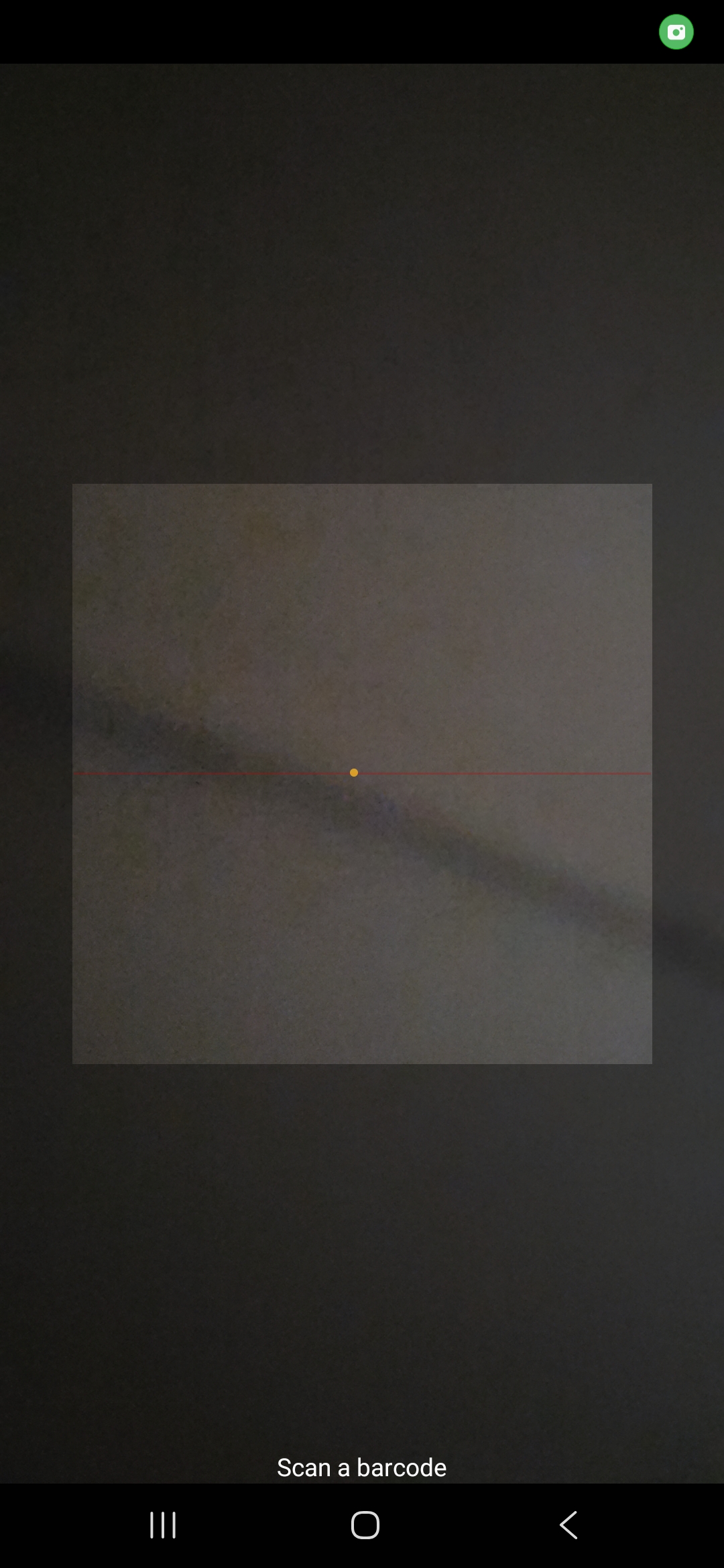
Barcode Scanner
Scanner utility for identifying assets, devices, or locations using barcodes.
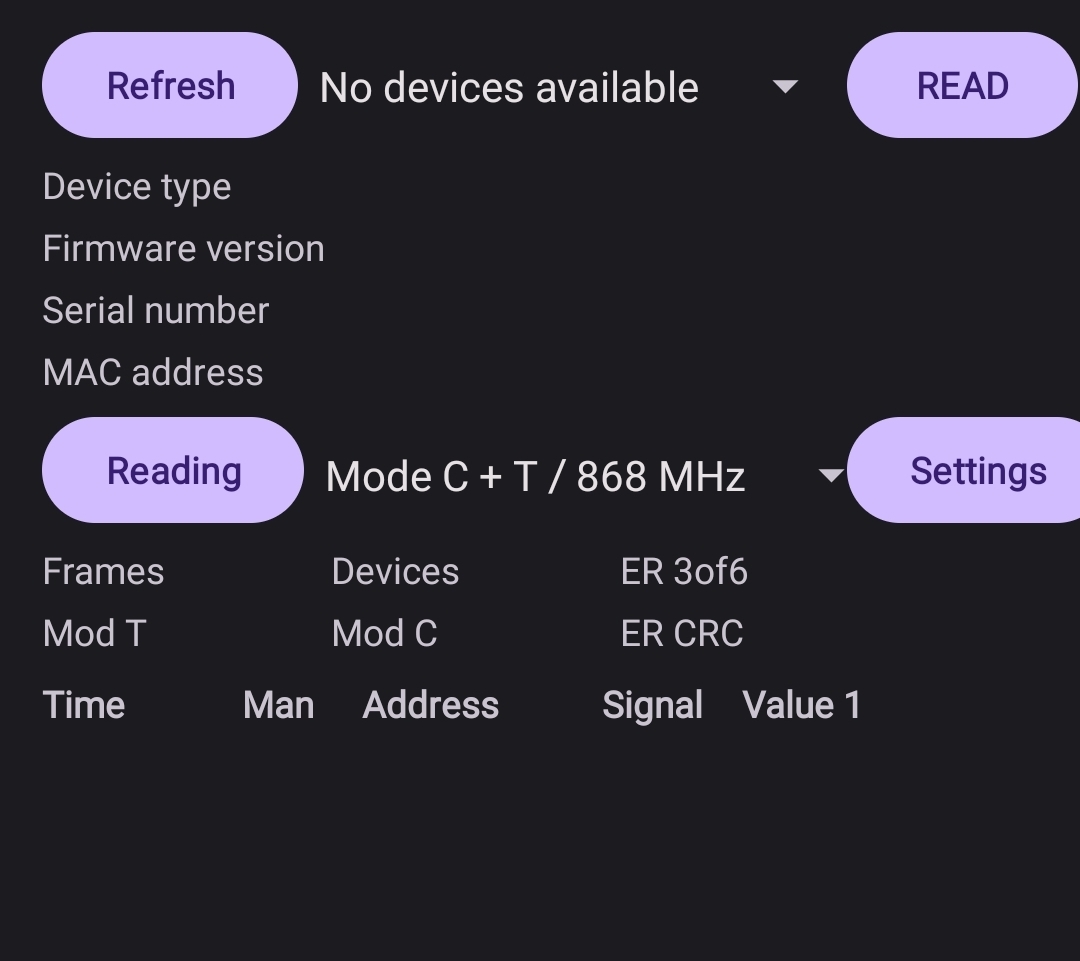
wMBus Connection
Mobile connection view for working with wMBus device communication.