Login
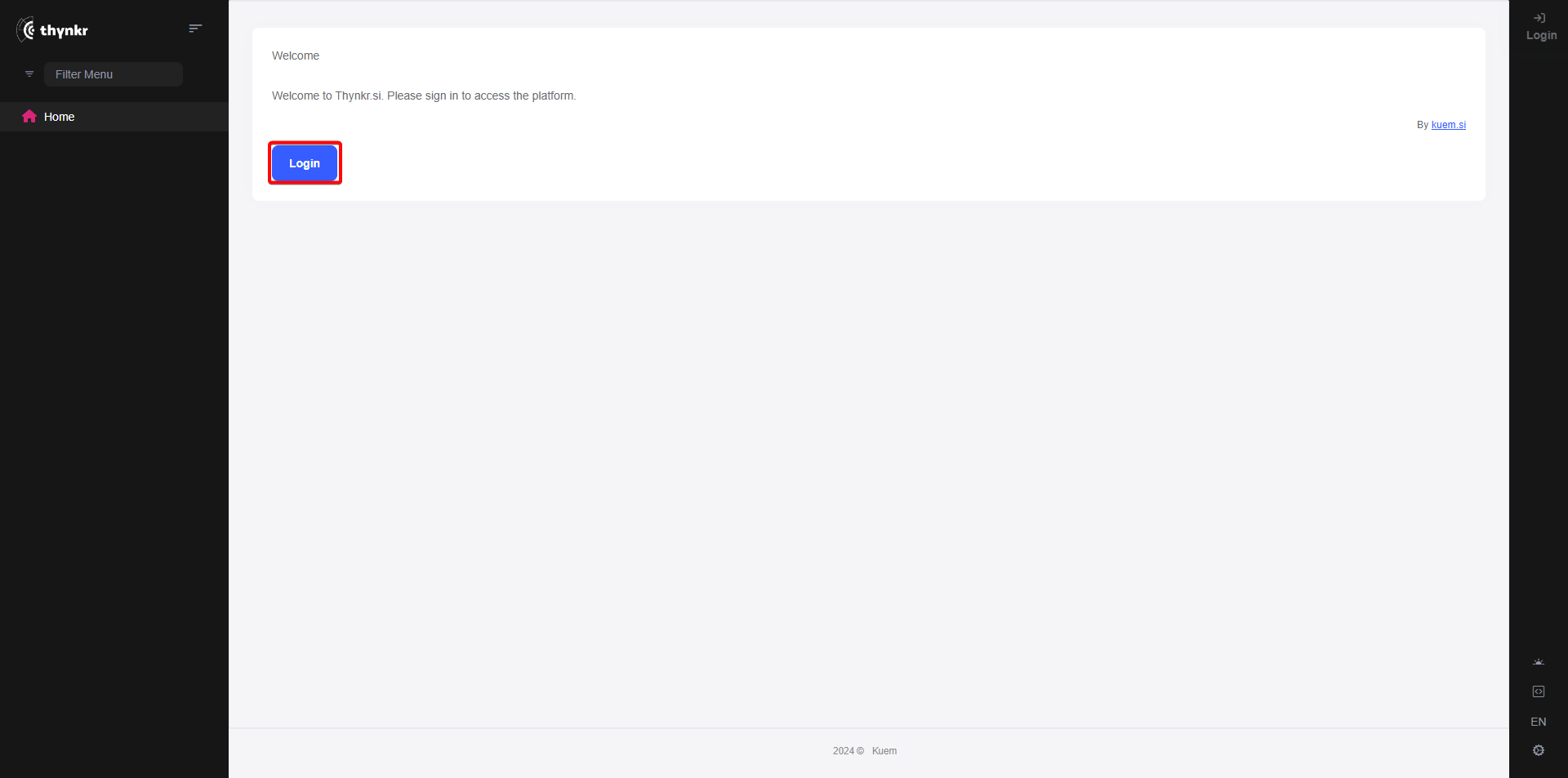
First, click the Login link to start the login flow
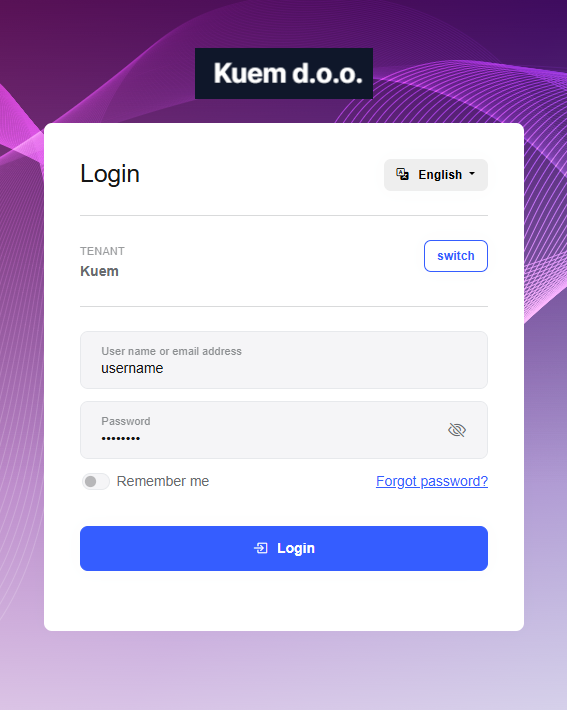
This will take you to the login screen
When you are accessing the application for the first time, you have to enter your Tenant name
Press the “Switch” button to open the Tenant selection menu

Enter your Tenant name into the text box and click the “Save” button

To complete the login process, enter your credentials into the provided fields and click the “Login” button
You can either enter your email address or username.
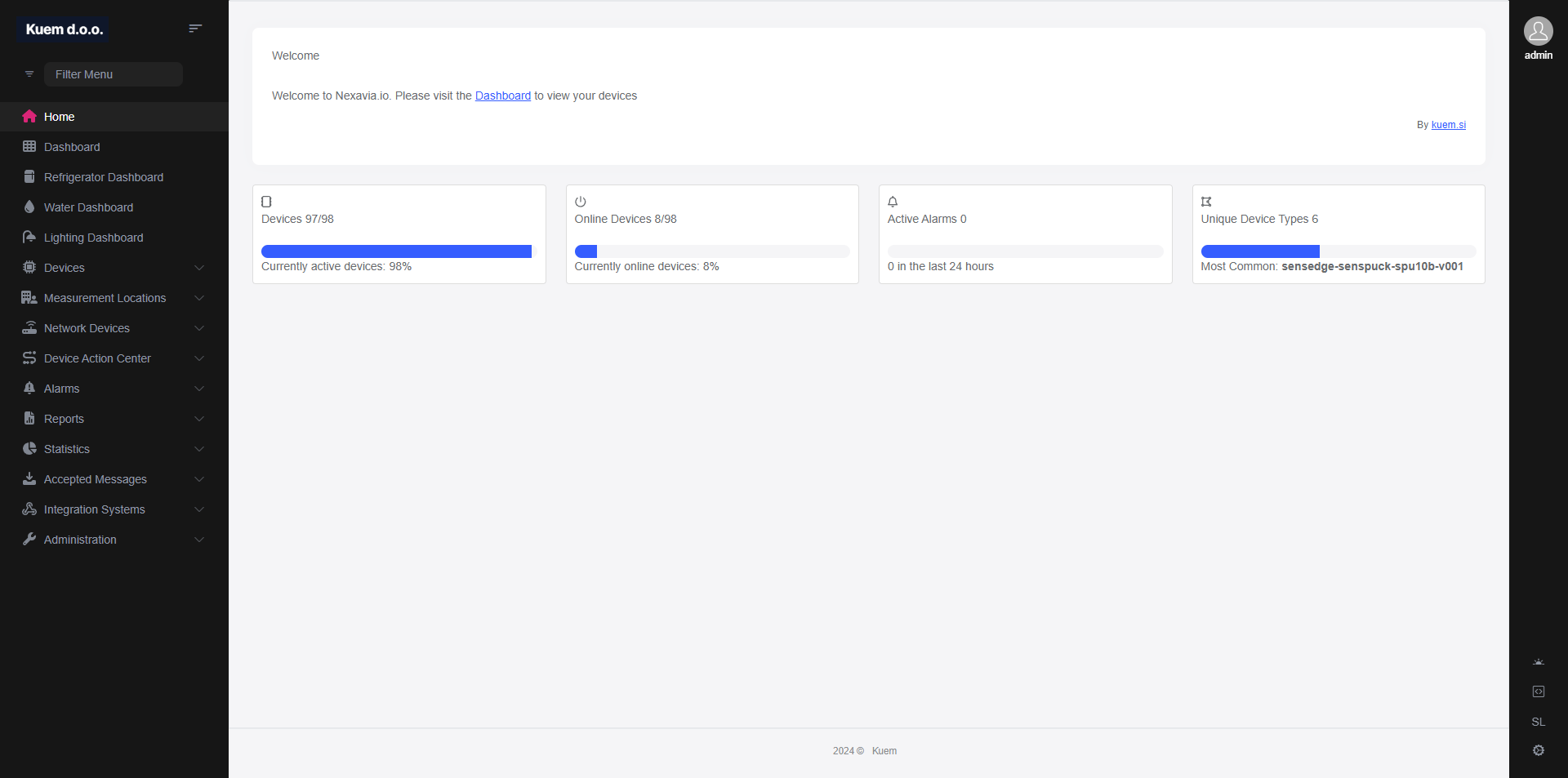
If the credentials are valid, you will be redirected to the front page of the application.