Date - Selection Advices
Sometimes, you may need to select a date from a calendar which is (far) away from the current date position.
To achieve faster date selection, clicking on header of dater picker to go in wider time range for selection.
Examples by clicking on header of date picker.
When datepicker opens:
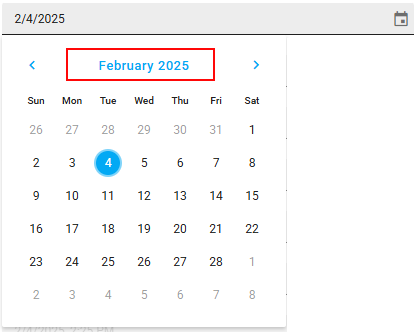
Click on “February 2025” to go one level up:
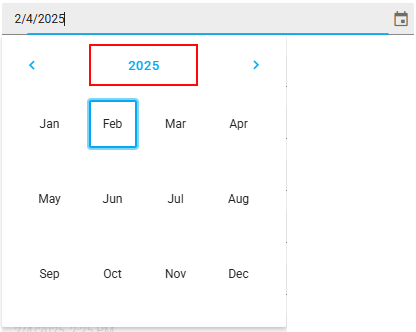
Click on “2025” to go another level up:
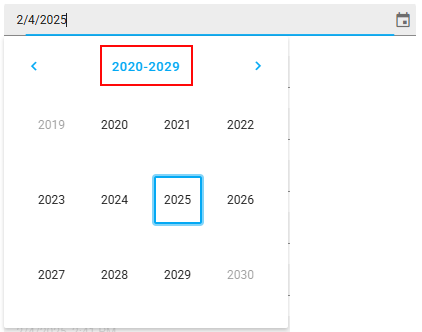
Click on “2020-2029” to go another level up:
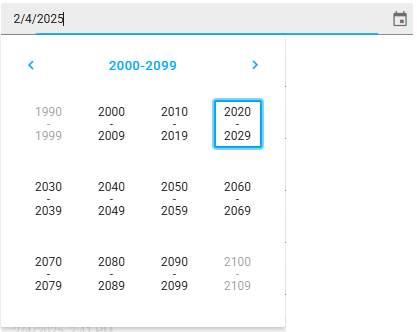
When selecting option below header, date picker goes in “lower” datetime range again.