Grid - Row Filter
Most grids in application have row filter in the second row (below column names).
How row filter looks like (example):
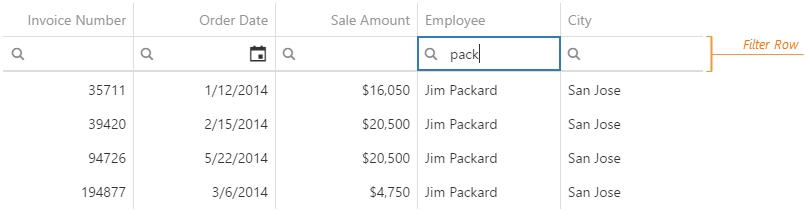
Row filter is composed of two parts - operator (left part) and value(s) (right part).
The example below shows the row filter for a column data type of text.
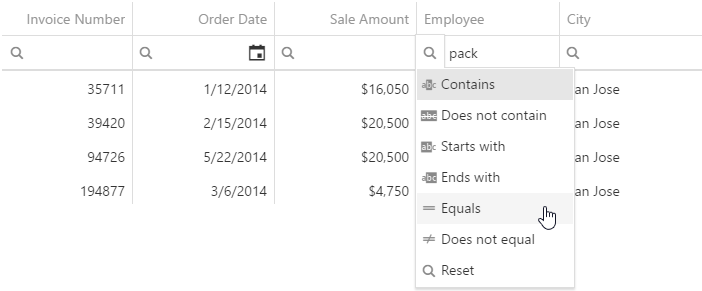
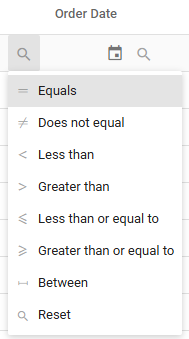
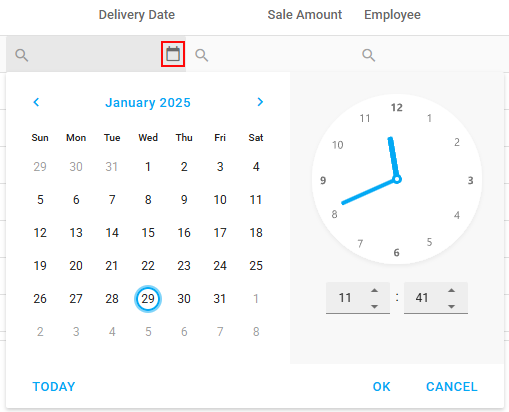
Examples of available operators for data types date, datetime and number and value choosers (date, datetime):
| Operators | Date value picker | Datetime value picker |
|---|---|---|
 |  |  |
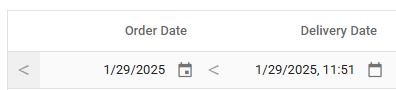
Example of selected date and datetime row filter in grid (both with “Less than” operator):
When “Between” operator is chosen (for date, datetime and number data types) - then start and end values should be defined.
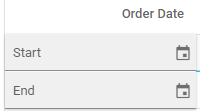
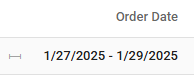
Example for selecting start and end values for date type date and how it looks when chosen:
| Before selection | When selected |
|---|---|
 |  |